Quick2Print Docs
Quick2Print workspace, brand and connected-store documentation
Quick2Print helps workspace teams turn approved artwork and reusable brand templates into reviewed WooCommerce products that sync through Printful.
Quick2Print uses three customer terms throughout the product: workspace, brand and connected store. We explain team access in Workspace roles and brand access.
Start here
New to Quick2Print? Follow these guides in order:
- Understand workspaces, brands and connected stores
- Connect WooCommerce
- Connect Printful
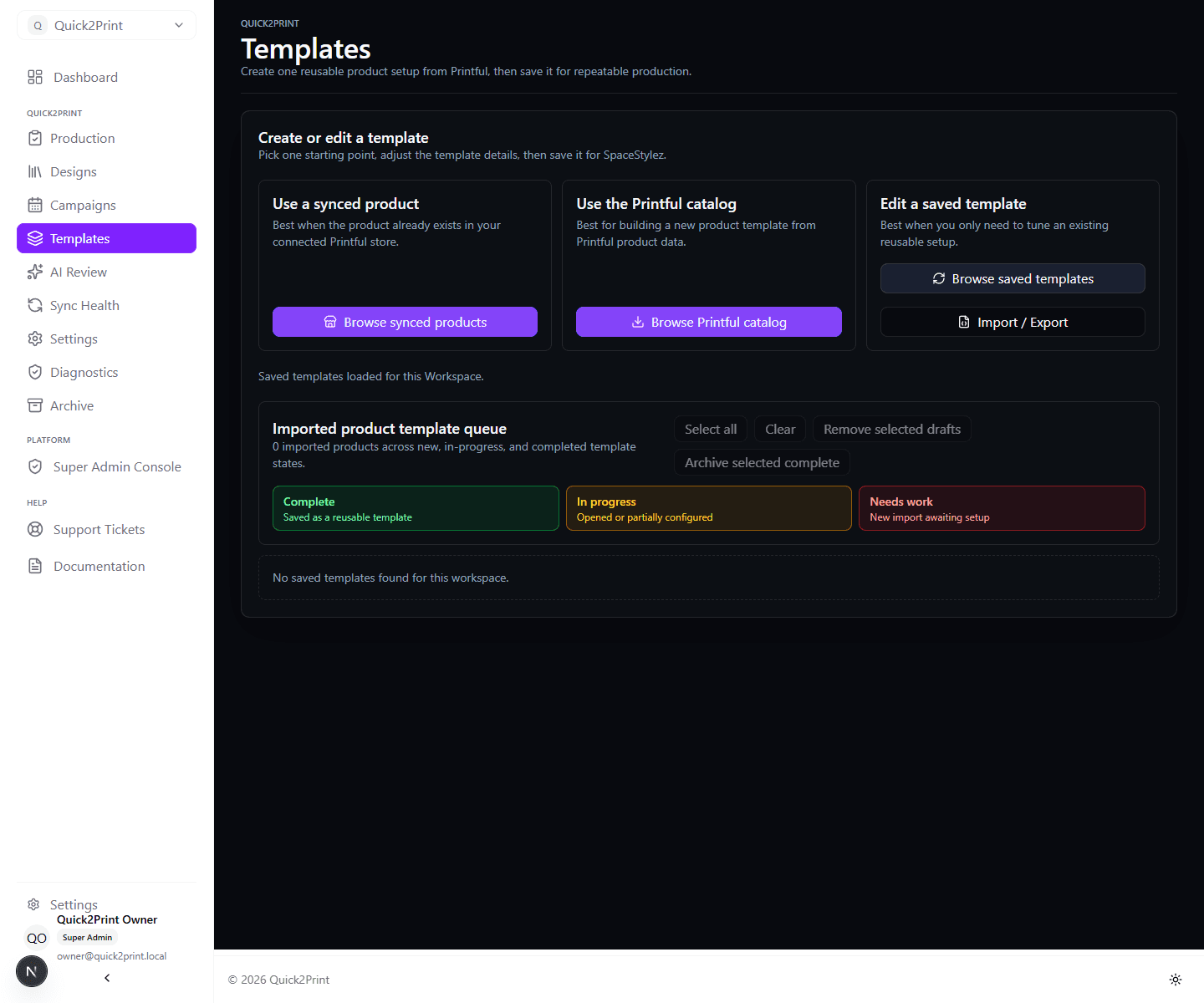
- Import your first template
- Upload approved artwork
- Create a product draft
- Publish and verify the product
Core workflow
- Create or select a brand in your workspace.
- Connect WooCommerce and Printful to the brand's connected store.
- Import or build product templates.
- Upload artwork and create campaigns.
- Publish draft, live, or scheduled WooCommerce products that sync to Printful.
Setup and access
- Connect WooCommerce
- WooCommerce Connector
- Connect Printful
- Workspace roles and brand access
- Billing and workspace
Production guides
- Import templates
- Upload designs
- Create products and campaigns
- Governed AI and commerce content
- Publish to WooCommerce
- Sync with Printful
- Generate mockups
- Review the production release checklist
Resolve a problem
The internal real-life QA runbook is maintained with engineering and release records rather than published as customer documentation.