Products And Campaigns
Create product drafts and campaigns from uploaded designs and templates
Quick2Print uses uploaded designs and saved templates to build an automatic release plan for the active Brand and connected Store.
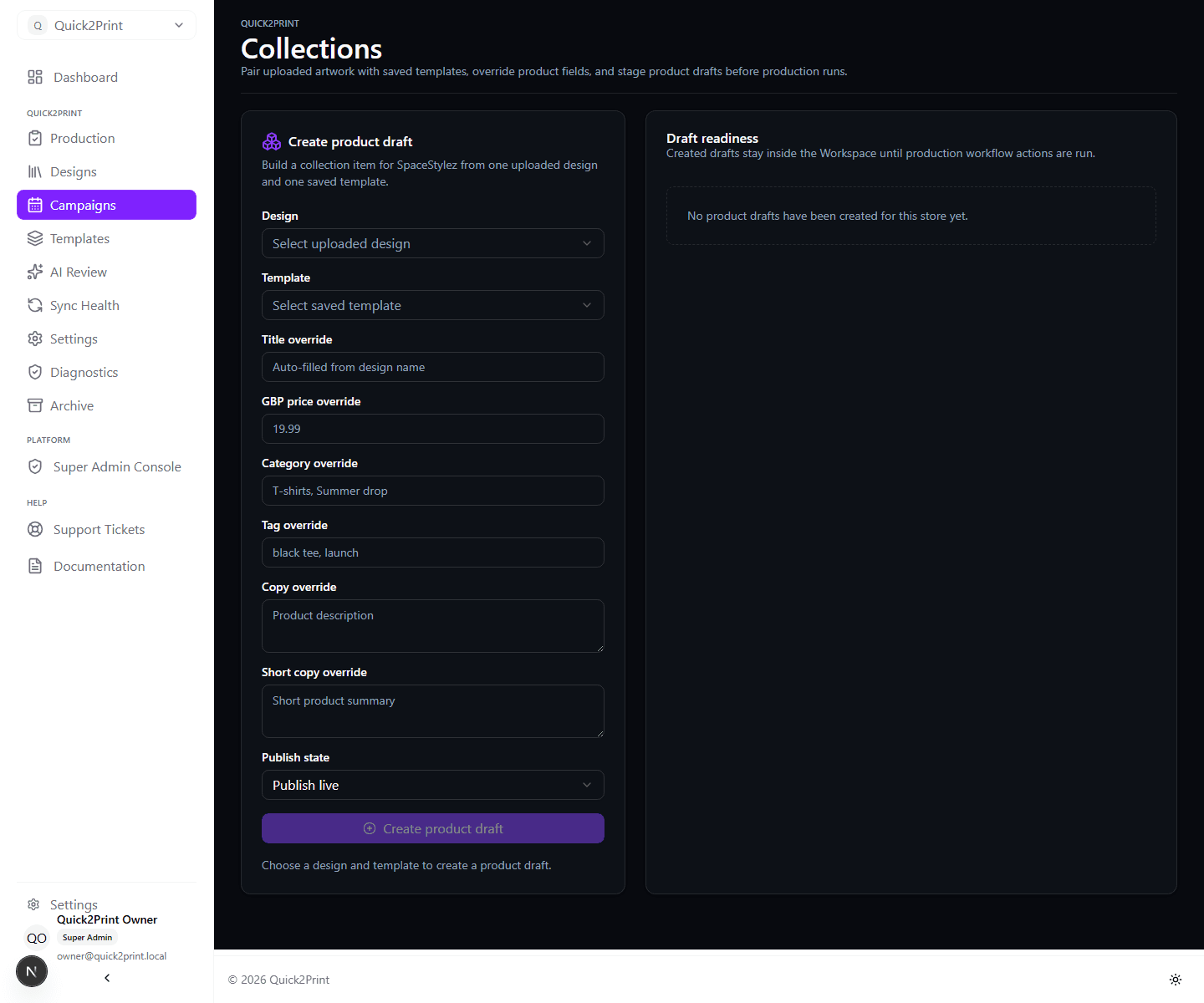
Build a campaign
Choose specific designs or a design-group pool, then select every product template those designs should use. One design is one calendar release set: if it has three selected templates, all three products share the same release slot.
Choose upload order or deterministic random order and a daily, weekly, monthly, or custom cadence. Preview the result before arming the campaign. Once armed, the assignments are fixed and Quick2Print runs generation, WooCommerce creation, Printful processing, scheduling, retry, and publication automatically.
Calendar and queue
Calendar, monthly list, and queue views show the same release assignments. Scheduled designs are reserved so another campaign cannot reuse them. Failed outputs remain attached to the same release and can be retried without creating duplicates.
Past release slots are processed progressively from oldest to newest. The product is made live immediately while WooCommerce receives the selected historical display date.
Overrides
Quick2Print shows price, category, tags, schedule, release state and copy overrides before submission. We use GBP as the default product currency, while we manage subscription tax separately in workspace billing.
Readiness
Quick2Print shows readiness for copy, print files, WooCommerce creation, Printful synchronisation, mockups and release state. We block or explain production actions when required work is incomplete.
A design is only Published after every template product in its release set is confirmed live. Brand Settings controls whether that design moves to the protected Published group or retains its original group.