Production Release Checklist
Review a Quick2Print product before draft, live or scheduled WooCommerce release
Use this customer-safe checklist before a Quick2Print product leaves production. It covers the visible decisions that affect the WooCommerce listing and Printful fulfilment setup.
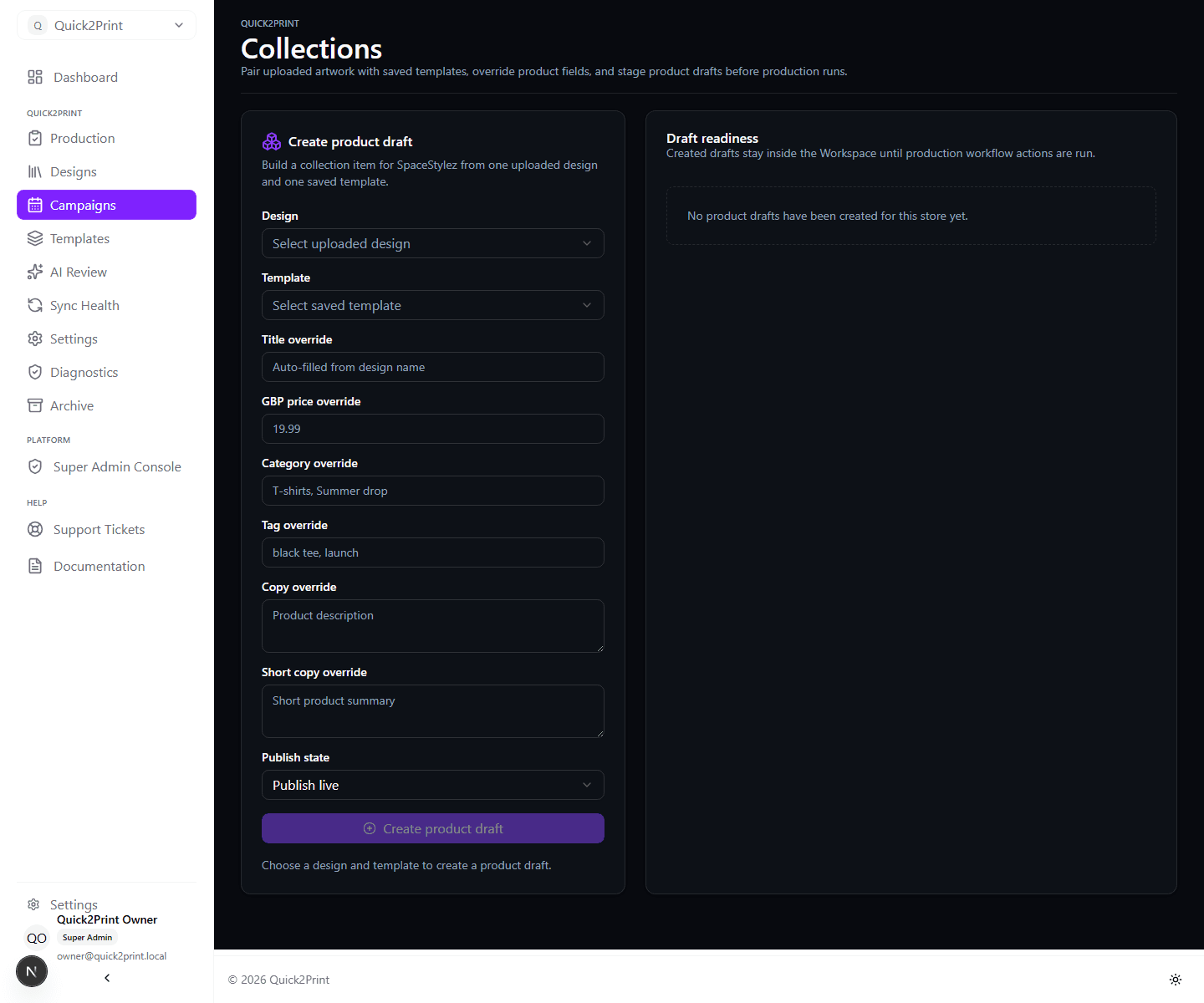
Artwork And Template
- Confirm that the selected artwork is the approved production file.
- Confirm that the saved template matches the intended Printful product.
- Review enabled variants, placements and print areas.
- Check artwork positioning and any template-specific safe-area guidance.
Product Data
- Review the product title, full description and short description.
- Confirm GBP pricing and any intentional per-product override.
- Confirm WooCommerce categories, tags and attributes.
- Check mockup selections and image order.
Release Control
- Use Draft when another person must review the WooCommerce listing.
- Use Live only when the product is complete and approved for immediate sale.
- Use Scheduled only after confirming the date, time and campaign dependency.
Provider Verification
After creation, confirm the final WooCommerce product state and the Printful synced-product state. If Quick2Print reports an interrupted or partial operation, follow Troubleshoot sync before repeating a write action.