Import Templates
Import Quick2Print templates from synced products, the Printful catalog, or JSON
Templates define how uploaded artwork becomes fulfillment-ready products. A saved template should include variants, placements, print area data, default mockup choices, WooCommerce category and tag defaults, GBP pricing, and reusable copy defaults.
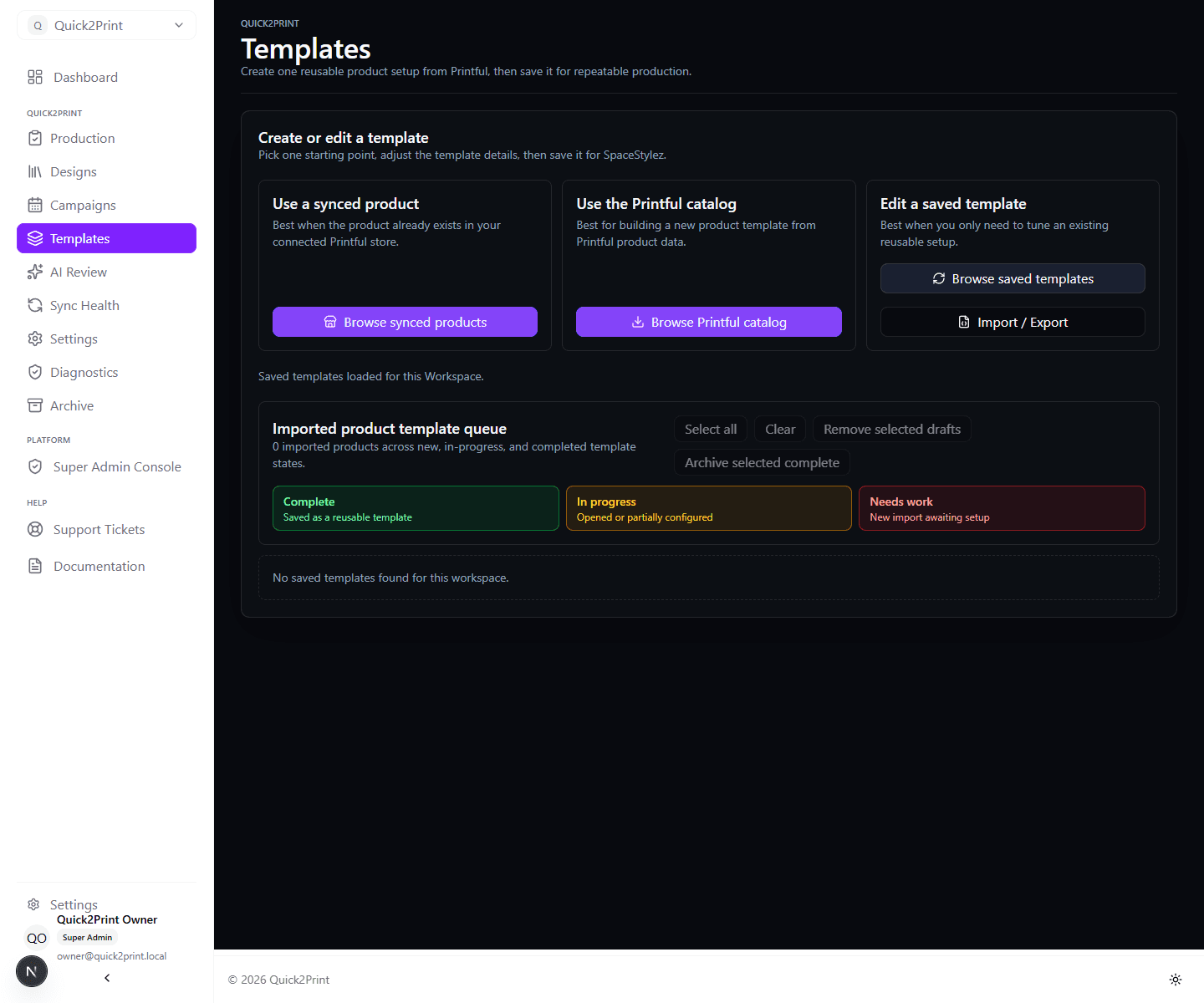
Import From Synced Products
Use synced products when a WooCommerce product is already connected to Printful and has known-good variants or placements. Quick2Print imports the product data into an editable template list so the team can adjust names, placeholders, positioning, default mockups, categories, tags, pricing, and descriptions.
Import From The Printful Catalog
Use catalog import when building a new product template from Printful product data. The editor should use Printful API data for variants, placements, print areas, and mockup options where available.
Import From JSON
Use JSON import for repeatable template setup or migration from a known template export. Validate that every imported template has at least one variant, one placement, valid placeholder tokens, valid pricing, and category or tag data that can be used by the connected WooCommerce store.
Save And Reuse
Quick2Print saves an edited template in the selected brand. We replace its saved placeholders with later artwork and publish through the brand's connected store.
Woo Copy contains only product and SEO copy. Product type, field mappings, attributes, and variation overrides live in the separate Attributes section, which lists only attributes enabled in Brand Settings. Leaving the editor returns to the template list; unfinished work remains available as an In Progress item and reopens only when selected.